It’s now easier than ever to navigate through your team or teams. Previously, the views were fairly static, but now you can easily switch between different teams, go directly to user profile pages, go back in your browser, and so on. These small interface tweaks—which were highly requested and are already much appreciated—make your workflow more efficient.
Teams now have their own pages
In our latest update, teams now have their own dedicated page. You’ll get a better overview of your organization and can easily manage team roles (specifying who should be Owners and who should be Members).
This change means that Leaders can only click through to team pages where they are the Owner or a Member. Otherwise, as a Leader , you can view all teams—just as Members can —but you cannot access any further details.
Administrators can always view and access all teams.
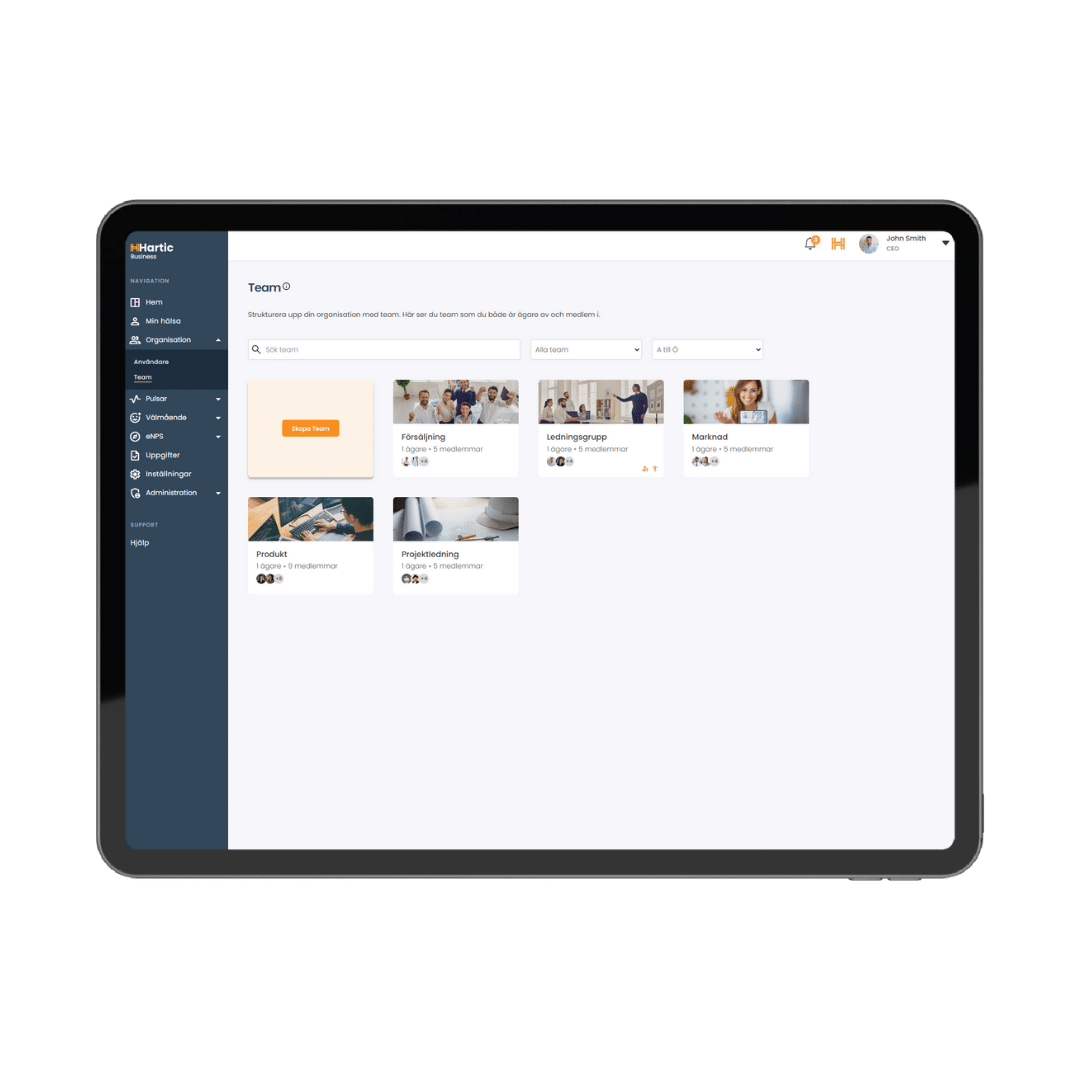
In the overview view, you will now see two icons. One indicates that you are the team Owner , and the other that you are a Member. This makes your work easier since you can see the permissions right away.
On every profile page, regardless of the user’s system role, you can see which teams that user has access to.
Overall, this increases transparency within the organization and establishes clear guidelines regarding what users can view and do, based on their system role and permission level within each team.